
Matter Intake &
Conflict Check Assistant
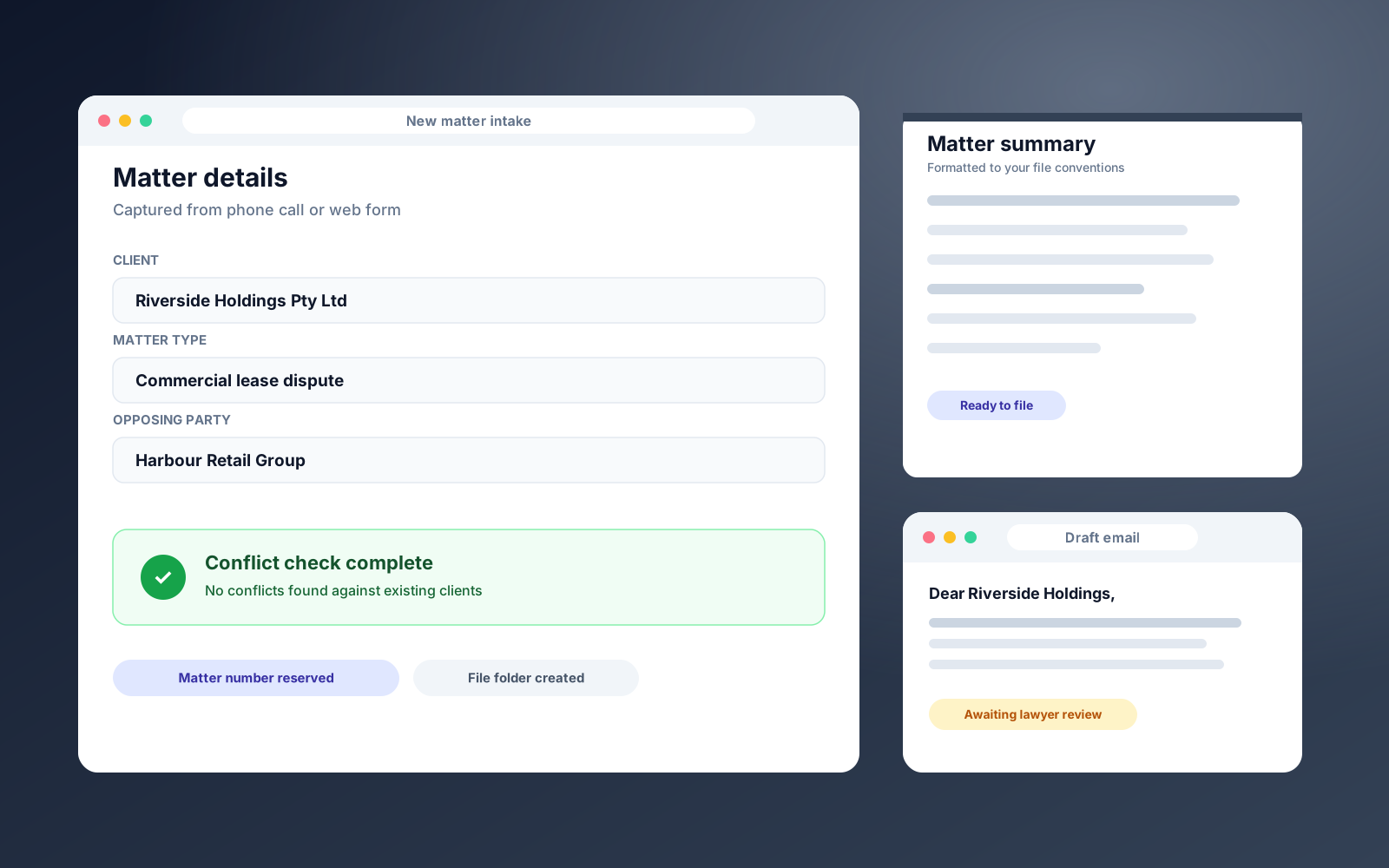
Captures new client details, runs a basic conflict check, generates a matter summary in the firm's format, and drafts the first client email before a lawyer touches it.
The problem worth solving.
When a new client calls or fills in a form, the details are re-keyed into the file system, checked against existing clients by hand, summarised, and followed up with a first email. It is admin that sits between the client and the lawyer.
Receptionists spend their time on data entry, lawyers lose billable time on setup, and every matter starts a little differently depending on who handled it.
How it works.
We built a Matter Intake and Conflict Check Assistant. It captures the client's details from the call or form, runs a basic conflict check against the firm's list of existing clients, and generates a matter summary document formatted to the firm's file management conventions.
It also drafts the first email to the client. All of this is ready before a lawyer touches the matter, and the lawyer reviews everything before anything is sent.
1. Capture the details. From a phone call or web form, the client and matter details are recorded once.
2. Run the conflict check. The client and opposing party are checked against the existing client list.
3. Generate the matter summary. A document is produced in the firm's own file conventions.
4. Draft the first email. A first message to the client is written, ready for review.
5. Lawyer reviews. The matter arrives pre-organised, and nothing is sent until a lawyer approves it.
What it delivers.
Single capture point for calls and web forms.
Basic conflict check against the list of existing clients.
Matter summary formatted to the firm's file conventions.
First client email drafted for lawyer review.
Lawyer approval before anything is sent.
The stack.
Got a process like this one?
If a repetitive task is eating your week, we can build the system that takes it off your plate. Let’s talk.